
Tan & Fold
Now on the App Store
A wallet app that feels like a wallet.
Your loyalty cards, memberships, gift cards, tickets and business cards sit in stitched leather pockets, with a photo of your ID and insurance card beside them. Tap one and it slides out. Swipe sideways for your next wallet.
Free to download, with 3 free skins and 16 more in Premium.
Everyday
N.M.
Travel
N.M.
Gift cards
N.M.
Swipe or use the dots to change wallets. Tap a card to slide it out. Tap a skin below to re-skin this wallet.
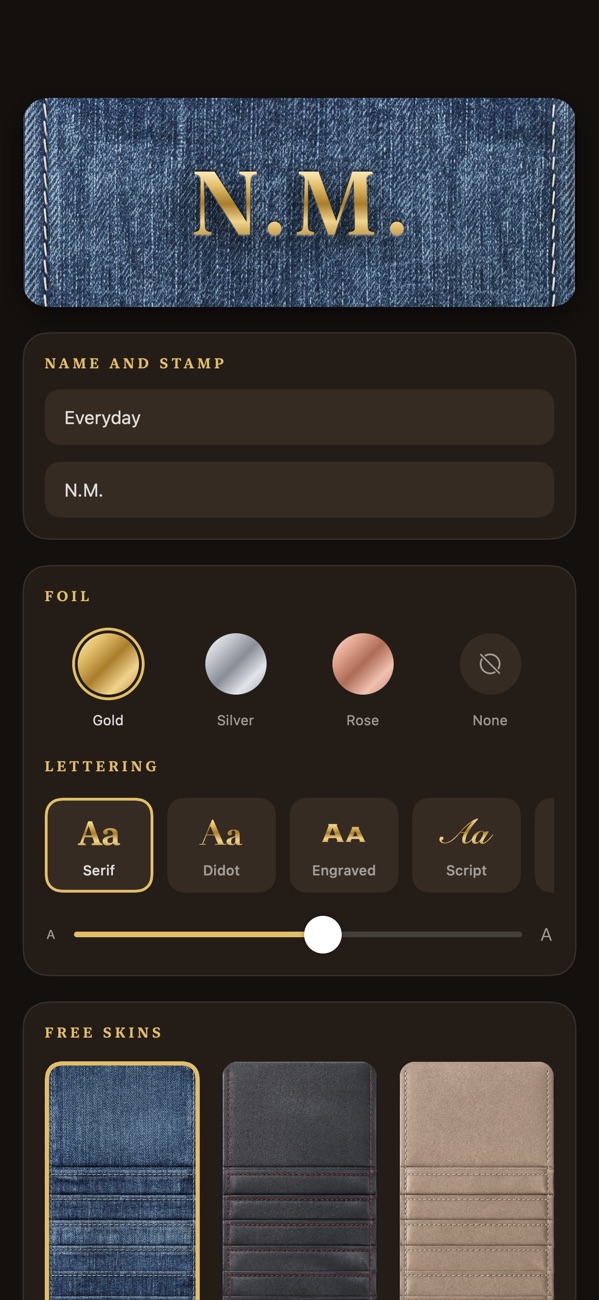
Make it yours
Font
Foil
Size
The app has seven fonts and a slider for any size in between.
Looks like leather. Works like an app.
Under the stitching is everything you need to stop carrying plastic.

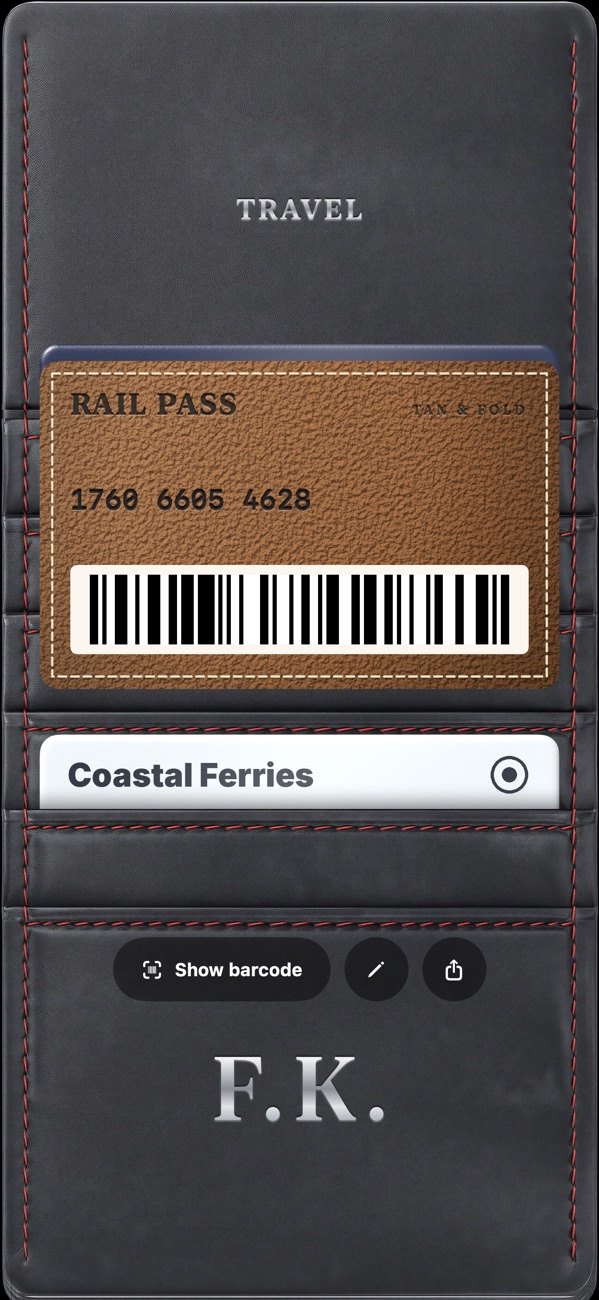
Scan any cardPoint the camera at a barcode or QR code and the card is added. Typing the number works too, and a card without a photo is made in tan pebbled leather with saddle stitching.
Keep the real designPhotograph the front and back of a card, or choose a picture you already have from Photos, and it sits in its pocket looking like the one in your hand. Slide it out and flip it over to see the other side.
Your ID and insurance tooKeep a photo of your driver's license, ID, insurance card or student card, front and back, beside the rest. It is there when you need to check a number or a date. A photo is for your own reference and does not replace the real document.
Business cards, yours and theirsKeep the business cards you collect, and your own, with both sides photographed. Share any card as a picture, save it to Photos, or send it straight into a friend's Tan & Fold wallet.
Bright at the tillThe barcode opens full screen with the brightness turned all the way up, so scanners can read it easily.
As many wallets as you carryStart with Everyday, Travel and Gift cards, then add and name your own. Six cards to a wallet, like the real thing.
Find a card in secondsSearch every wallet by name or number, and keep a note on any card for a PIN or a balance.
Follows you to a new phoneYour wallets sync through your own private iCloud. We never see your cards.
Locked with Face IDTurn on the lock and the wallet only opens for you. Worth doing if you keep an ID in it.
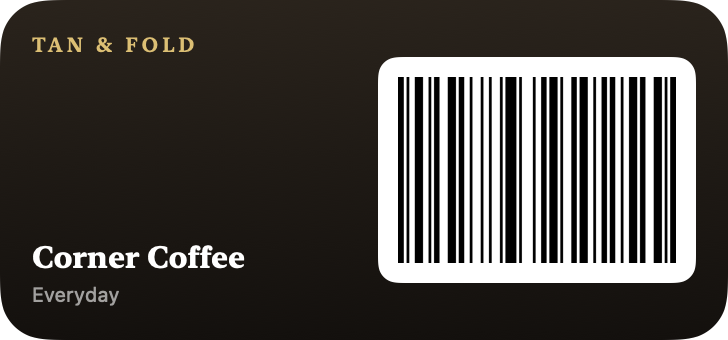
One tap from the home screenA widget keeps your most used card ready, with its barcode on show.
Three free skins. Sixteen more with Premium.
Every design is our own, drawn for Tan & Fold. Give each wallet its own skin, add your name, and change it whenever you like. One purchase unlocks all of Premium, with no subscription.
Free with the app
Premium
Limited editions
Coming soon
Original designs made in small runs, each available for a limited time. Premium members get them first.
First designs to be announced.
How it works
1
Add your cards
Scan the barcode or QR code on any loyalty card, membership, gift card or ticket. Photograph the front and back, or pick a picture from Photos, if you want it to look like the real one. Cards without a barcode, like business cards, go in from a photo alone.
2
Sort them into wallets
Keep one wallet for everyday, one for travel, one for gift cards, and add more whenever you like. Swipe between them, each in its own skin.
3
Stamp your name on it
Initials or your full name, in the font, size and foil you choose.
Works next to Apple Wallet
Your tap-to-pay cards stay in Apple Wallet. Tan & Fold is for everything else you carry.
Put your cards in a real wallet
Tan & Fold is free on the App Store for iPhone, with three wallets and three skins. Premium is one purchase, with no subscription.